Village in the Sky

Windows · macOS · no microtransactions
See Hoverwick in motion
It stays out of your way
The island sits in a corner of your desktop, and clicks next to it go to the apps underneath.
Build it your way
Put buildings, paths and fences wherever you like, and link goods into production chains.
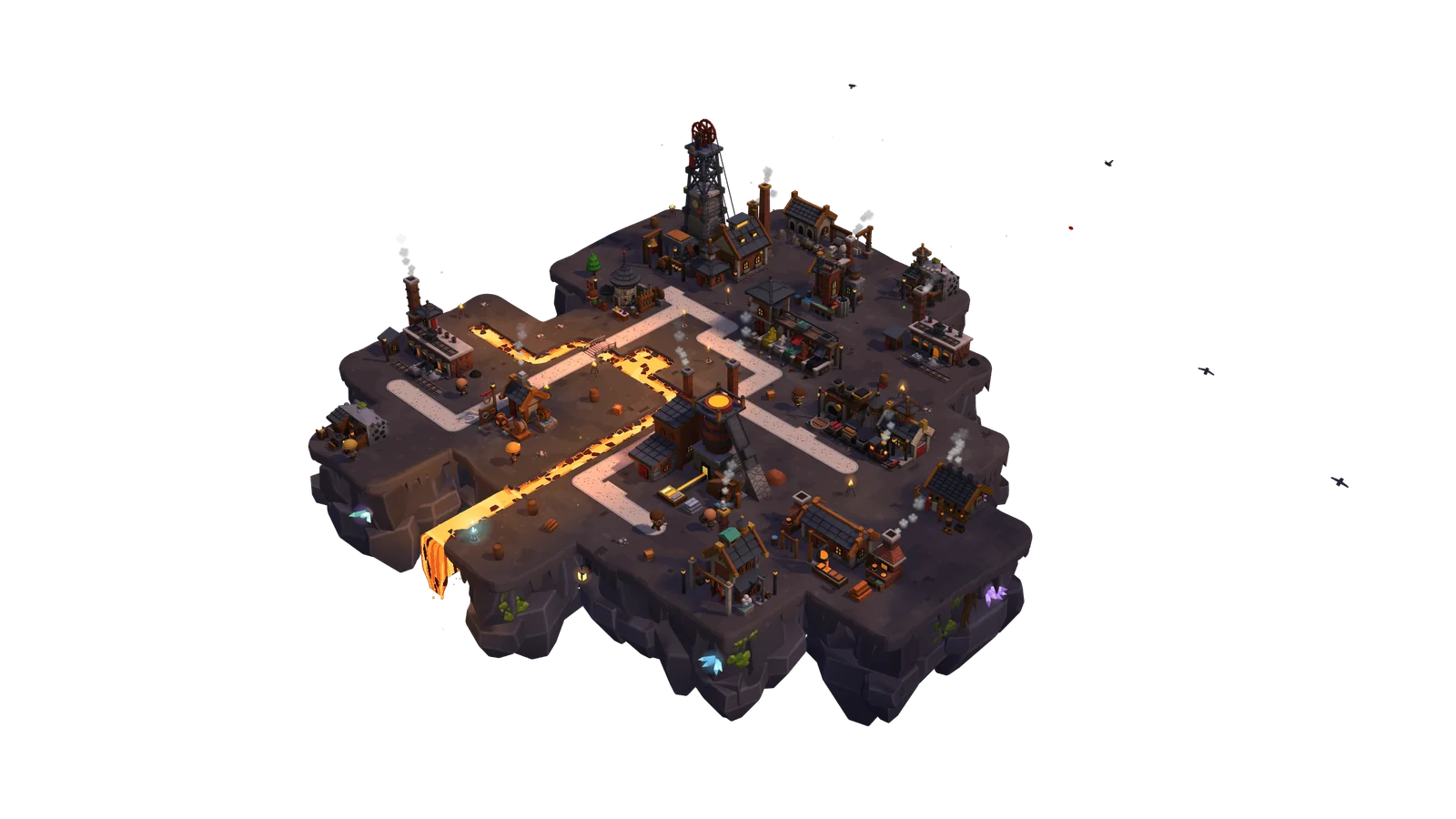
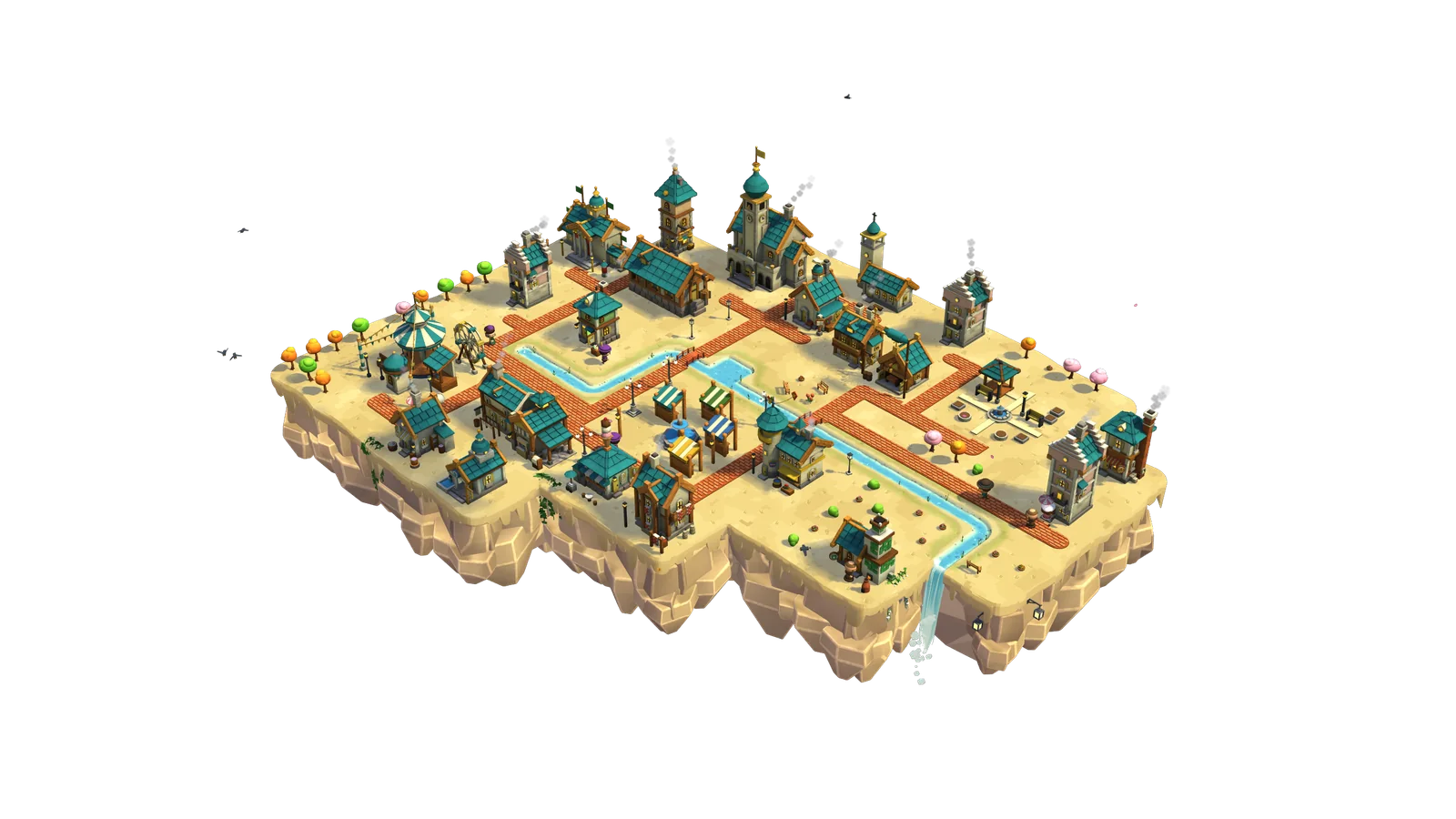
Five more islands
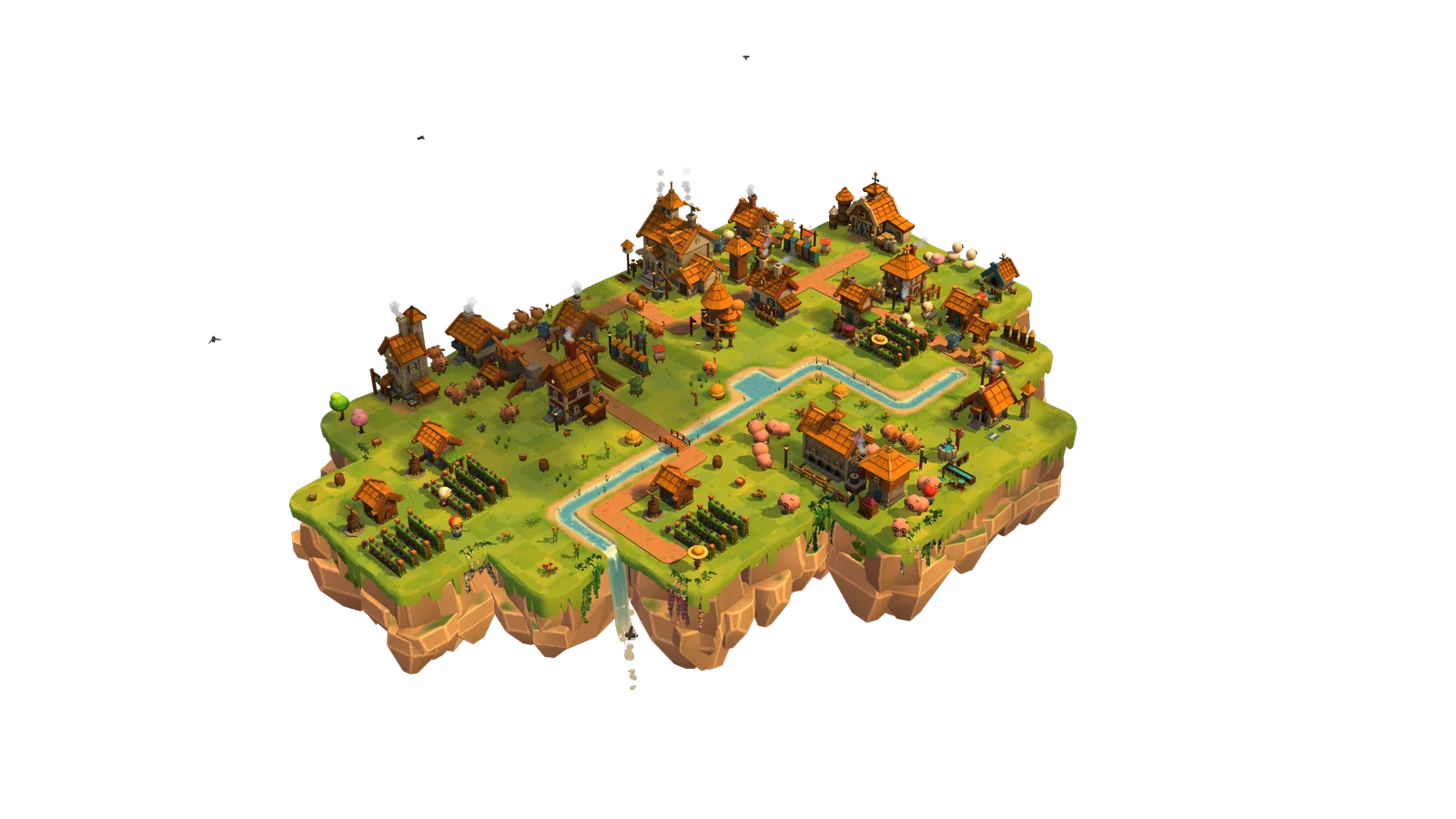
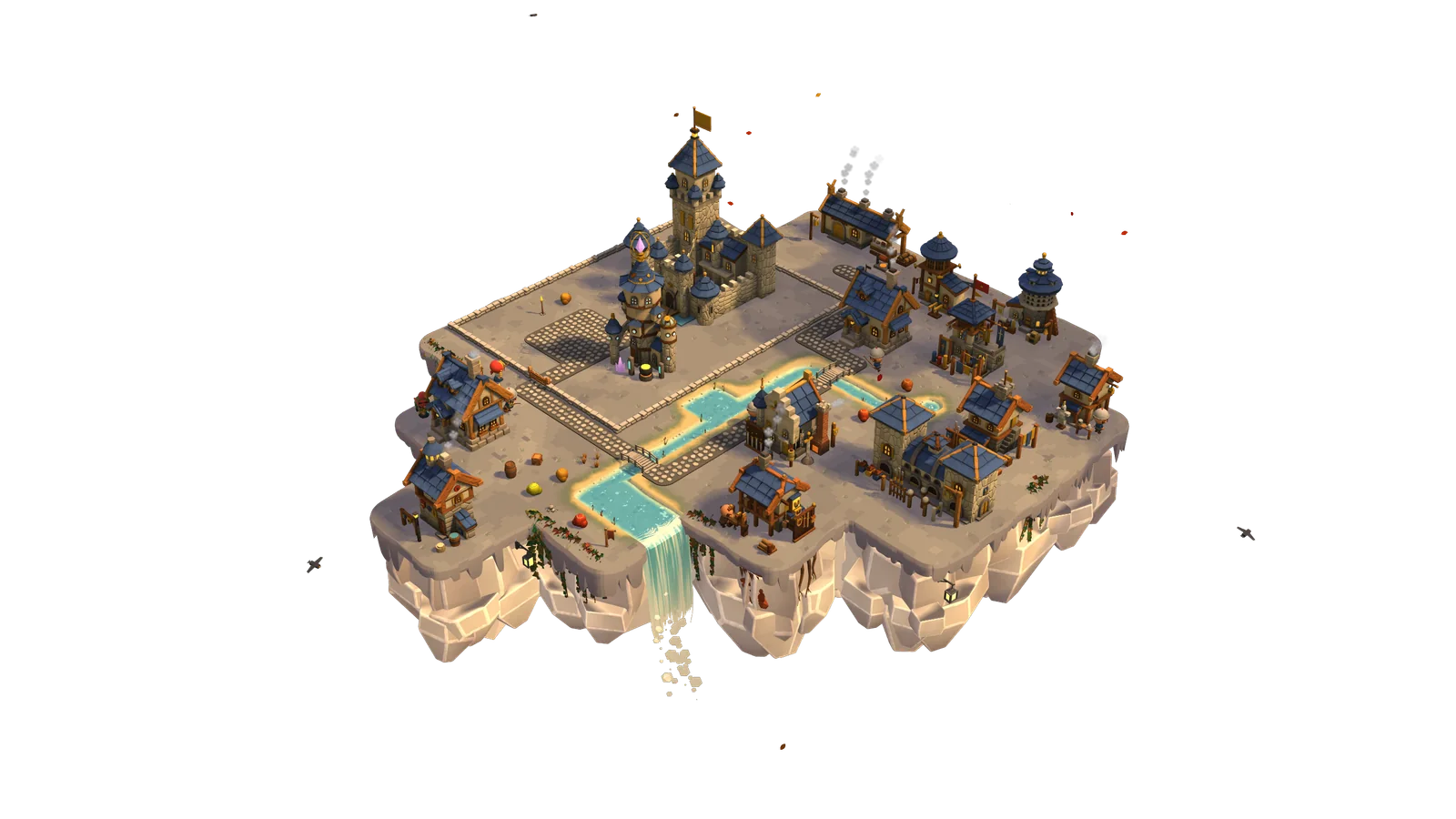
Each one makes something the others need.
Seasons and weather
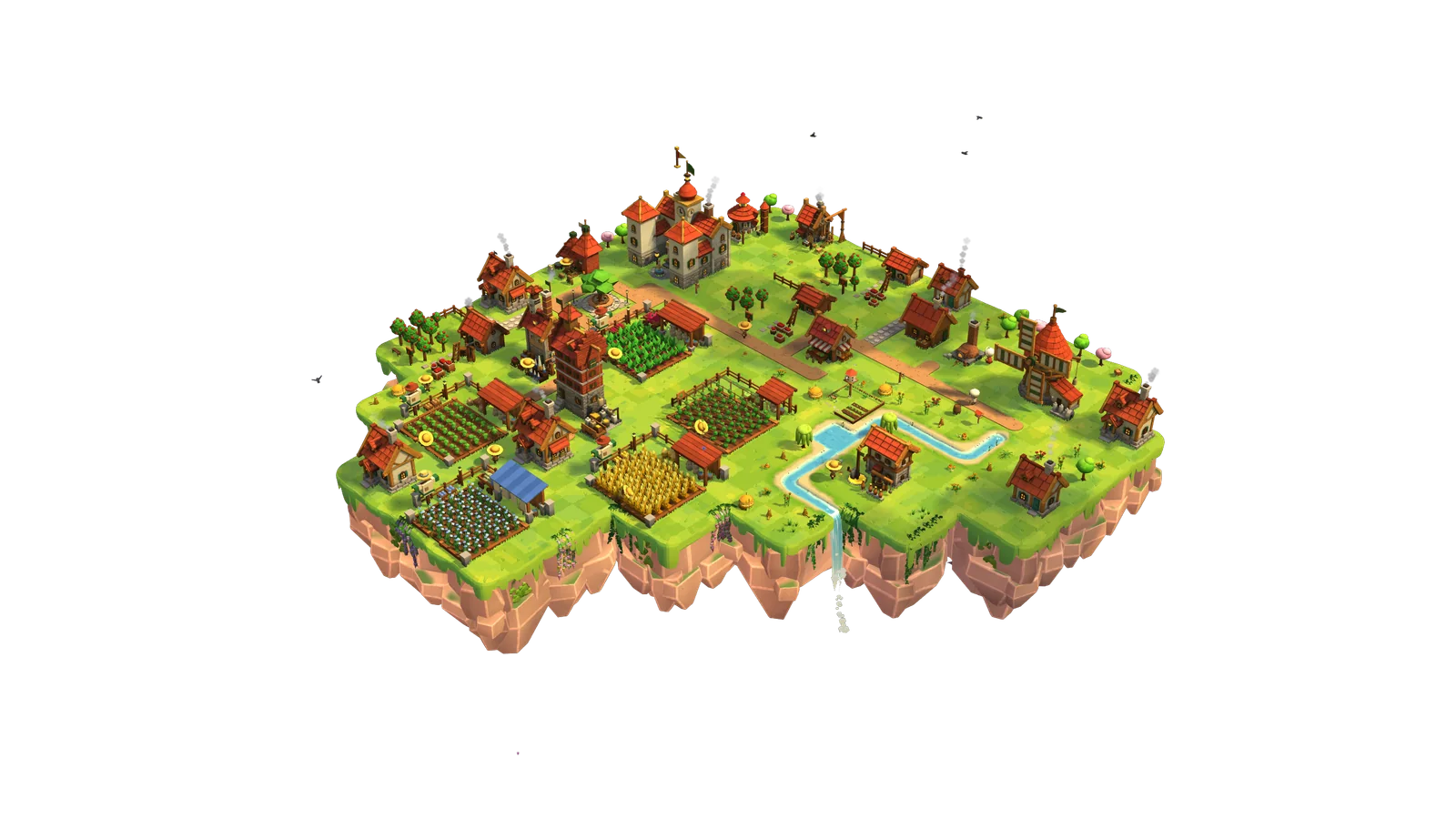
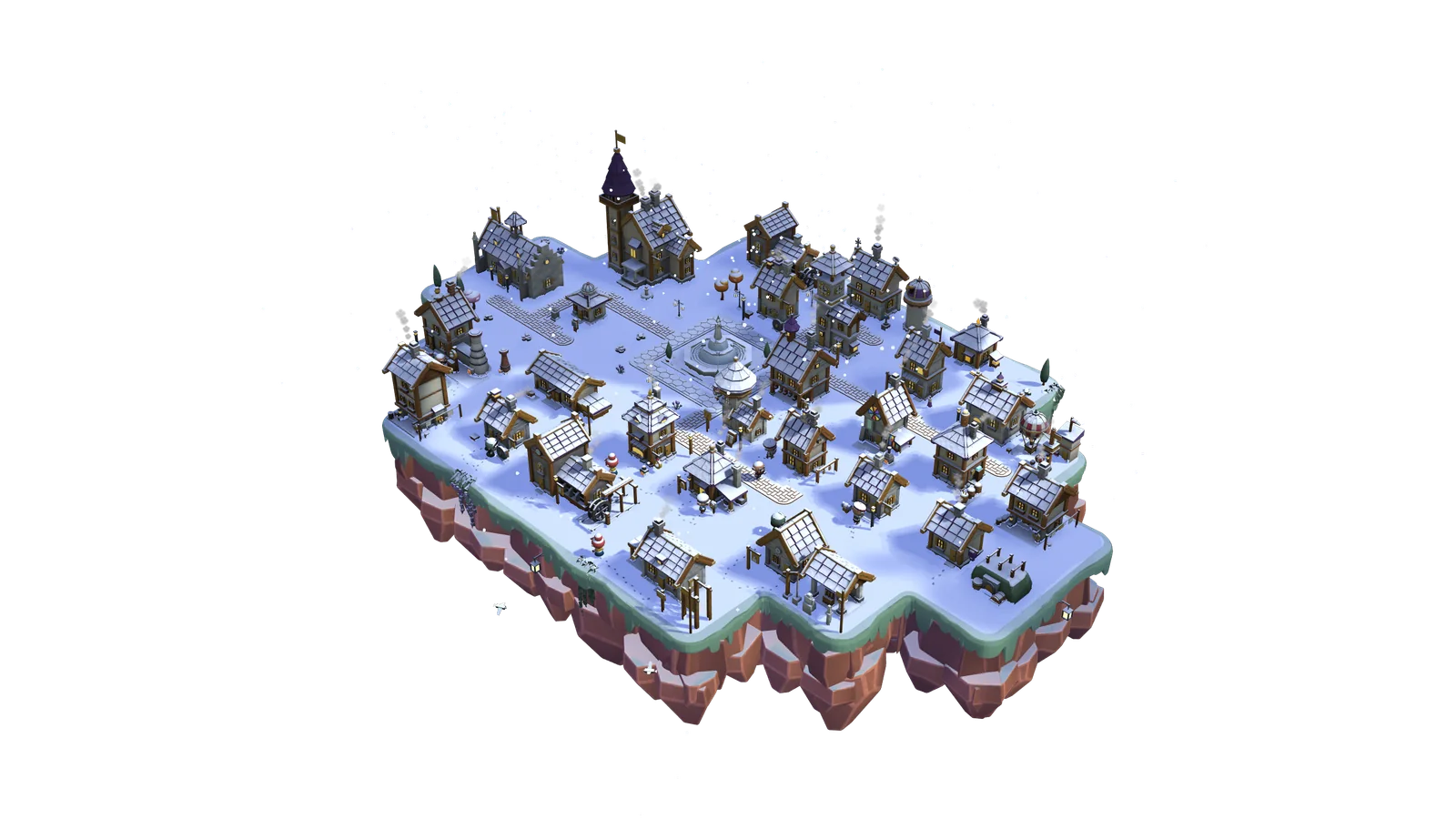
Spring, summer, autumn and winter take turns, one per real-world day, while rain, storms and snow roll over the island.
Skates, sleds and ice holes
Rivers freeze, villagers skate and build snowmen.
Yours to arrange
- Six kinds of islands and 50 manor levels
- Trade rules that sell your surplus for you
- Farm animals, merchant balloons, an optional army
- A river that pours off the edge as a waterfall
- Steam Cloud saves and Steam offline mode
FAQ
Aren’t idle games boring?
When you feel like playing longer, 17 mini-games are waiting at the buildings. When you don’t, the village manages on its own.
Do I have to keep an eye on it all the time?
No. The first hours are the busiest, and after that a few visits a day are enough. If the game stays open next to your work, you’ll reach the top manor level in about a month.
Will I lose anything if I disappear for a week?
No. After a day, production simply stops and waits for you. Nothing spoils, animals don’t run away, and new balloons and villager requests will arrive once you’re back.
Does the island cover my windows?
It doesn’t have to. Clicks on the empty space around the island go through to the programs underneath. You can also turn off “Always on top” so the village sits behind your windows, or tuck it into a small bubble with one shortcut. The bubble keeps working and hardly taxes your computer.
I prefer a regular game. Is that possible?
Yes. In the settings you can switch Hoverwick to a regular window or full screen, with a sky in the background instead of your desktop.
Can I set my own keys?
Yes. The camera, rotation, brushes, undo and every other shortcut can be rebound, and so can the gamepad buttons.
Is the game noisy while I work?
Up to you. Music, ambience, effects and interface sounds each have their own volume. While you work in another program, the game can sound as usual, turn itself down, speak up only for important events or go completely silent.
What happens when I step away from the computer?
After a moment of inactivity the camera takes a tour of the island, stopping by its prettiest corners. Move the mouse and the view returns to where it was.
Is the game colour-blind friendly?
Yes. There are colour filters for three types of colour blindness and a contrast setting, and you can turn off camera shake and island sway in the settings.
Can I have more than one village?
Yes, up to 20, each with its own name and its own mods. All of them go into your Steam Cloud save.
Can I show off my island?
Yes. Save a decorated corner as a blueprint and send it to friends as a code, and they can paste it onto their own island.
Does it drain the battery?
It’s a 3D game, so it works harder than a pixel pet on your taskbar. When you don’t move the mouse it slows down on its own, and eco mode limits the frame rate and turns off shadows. On a laptop running on battery, eco mode is worth switching on.
Will it run on a weaker computer?
You can set the graphics to high, medium or low, and the rendering resolution can adjust itself to keep the game smooth.
Does the game see what I do on my computer?
Only as much as it needs to stay out of your way. It checks where the cursor is and whether you press a mouse button (to know if a click is meant for it), whether you press the shortcut that hides the village, how long it’s been since you last touched the mouse or keyboard, and whether another program fills the whole screen. It doesn’t read what you type, doesn’t know window titles or the names of the programs you use, and sends nothing to us on its own.
Do I need an internet connection?
Only to install the game and launch it through Steam for the first time. After that you can play offline, and achievements and cloud saves will sync when you are back online.
Will my progress from the demo carry over to the full game?
Yes. Your village from the demo loads in the full version, even on another computer, thanks to the shared Steam Cloud save.
Are there mods?
Yes, with a built-in creator kit: new buildings, goods, decorations, translations, scripts and even mini-games. Mods don’t disable achievements.
Are there microtransactions?
No. You buy the game once, and there is nothing to buy inside it.
What platforms does it run on?
Windows and macOS. It plays best with a mouse, and in windowed or full-screen mode you can also use a gamepad. Steam Deck isn’t supported yet.

Give your desktop an island of its own.